Safe Landings Wandrr Pro

Know they've
landed.

Follow a flight you're not on, like Mum's trip home or a friend heading your way. Wandrr tells you when it's delayed, in the air, down or cancelled, so you're not refreshing an airline app all afternoon.

Get Wandrr on the App Store
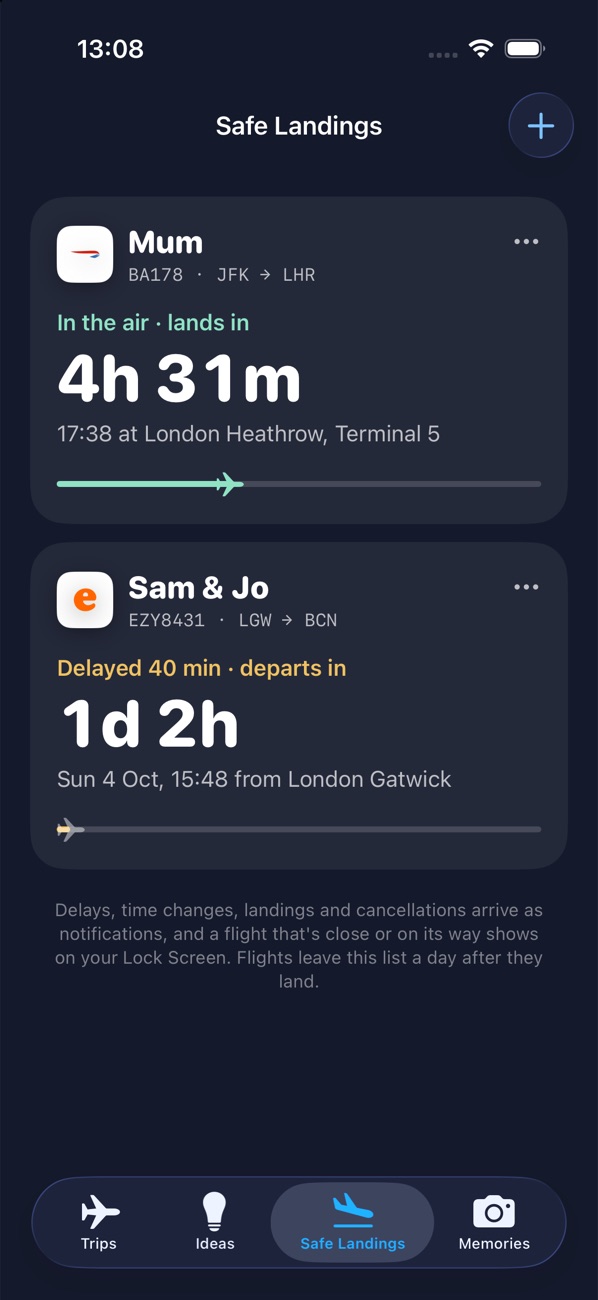
Safe Landings list: Mum's flight in the air landing in 4 hours 31 minutes, and Sam & Jo's flight delayed 40 minutes
How it works

Three details. That's all it needs.

Add the flight

Open the Safe Landings tab and tap +. Enter the flight number, the day it leaves and who's flying. Wandrr looks up the rest.

Get on with your day

Wandrr watches the flight for you and sends a notification when something changes, led by the name you gave it.

Be there for the pick-up

Open the flight for live times, a countdown to landing, how far along it is and the arrival terminal.

What you'll hear

Only what matters.

The same alerts as your own flights, minus the gate and baggage belt, which only matter if you're at the airport. Only want to know they're down? Set Alerts to Landing only. You'll still hear if it's cancelled.

  • Delayed or retimed by a quarter of an hour or more
  • Incoming plane running late often before the airline posts the delay
  • In the air and landed with where they touched down
  • Cancelled always, whatever your alert setting
Followed flights list
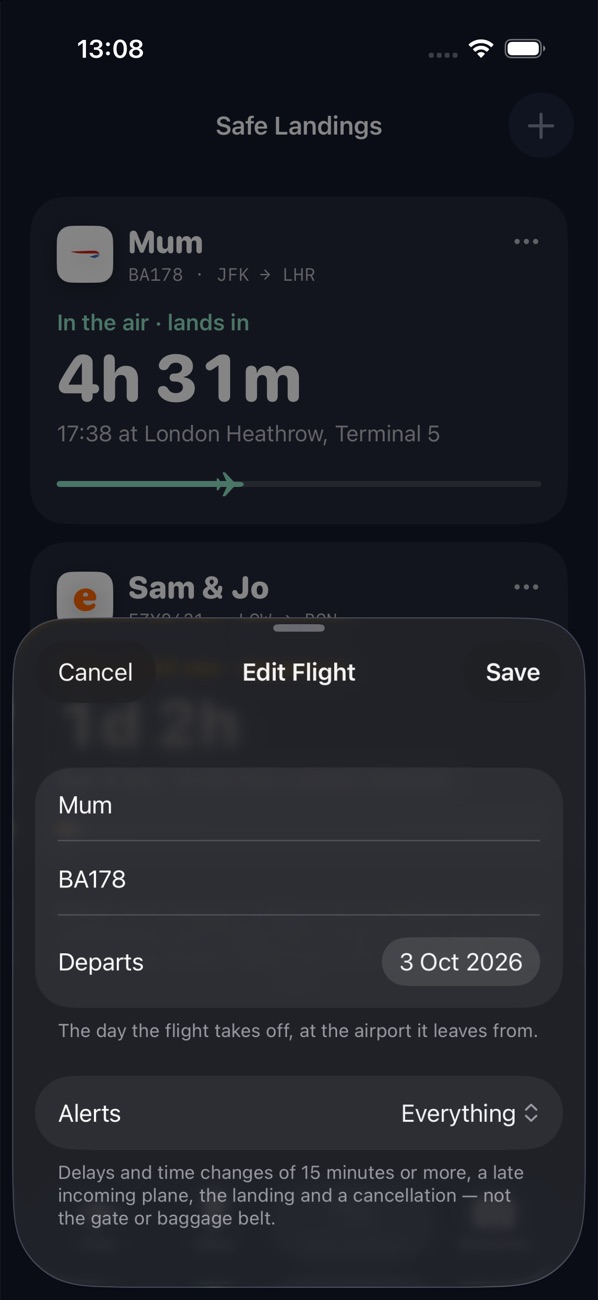
Editing a followed flight's name, number, day and alert level
Everywhere you look

On your Lock Screen, not just in the app.

Live Activity

From three hours before departure, the flight goes up on your Lock Screen and in the Dynamic Island: the route, a bar that fills as they fly and a countdown to landing.

Home Screen widget

Keep an eye on every flight you follow at a glance, updated as news arrives.

Siri and Shortcuts

Ask "Has the flight landed?" or "Follow a flight in Wandrr" without opening the app.

Questions

Good to know

Does the person flying need Wandrr?

No. All you need is their flight number and the day it leaves. Nothing is installed on their phone and their location is never used.

Is Safe Landings free?

Safe Landings is part of Wandrr Pro, along with live status for your own flights, unlimited trips and AI planning. Wandrr itself is free to download and plan with.

How many flights can I follow?

Up to eight at once. Each one leaves the list by itself a day after it lands, or straight away if you tap Stop Following.

How far ahead can I add a flight?

Up to sixty days out. Wandrr starts checking the flight closely in the hours before it leaves.

I got the flight number or day wrong.

Tap ••• on the flight's card and choose Edit. Change the name or alert level, or put in a new number or day and Wandrr looks it up again.

What happens to the details I enter?

The flight and the name you give it are kept on your iPhone. To send alerts, the flight number, times and that name go to our notification service, which deletes them automatically after landing. See the privacy policy.

Stop refreshing. Start waiting calmly.

Safe Landings is in Wandrr for iPhone, part of Wandrr Pro.

Get Wandrr on the App Store